


🤖 由 deepseek 生成的文章摘要
前言
- 图片/音乐API节省服务器宽带占用率
- 提高网站响应速度便于统一需改,快捷改变网站图片风格
教程
- 建立图片API,首先需要把图片图片上传到图库,如:Github,图床,OSS对象储存等,并生成图片直链地址;
- 建议配置图片请求头(即图片直链提供商/CDN)Access-Control-Allow-Origin: *和Access-Control-Allow-Methods: GET, OPTIONS,否则使用本API网站会报CORS跨域问题!
- 复制所有图片直链地址,在网站目录下新建Transverse.txt(横向图片)和Longitudinal.txt(纵向图片)文件粘贴进去,如下:
#建议配置图片请求头(即图片直链提供商/CDN)Access-Control-Allow-Origin: *和Access-Control-Allow-Methods: GET, OPTIONS,否则使用本API网站会报CORS跨域问题!

# Longitudinal.txt
https://gitlab-api.ieacg.com/image-api/Longitudinal/不给你看.webp
https://gitlab-api.ieacg.com/image-api/Longitudinal/乱七八糟.webp
https://gitlab-api.ieacg.com/image-api/Longitudinal/八重神子.webp

# Transverse.txt
https://gitlab-api.ieacg.com/image-api/Transverse/WAR_cat.webp
https://gitlab-api.ieacg.com/image-api/Transverse/WinGirl.webp
https://gitlab-api.ieacg.com/image-api/Transverse/乱七八糟1.webp- 新建index.php文件,粘贴下面PHP代码,并放在与TXT同级目录下:
<?php
/*
作者:漫蓝梦坤(@mlmk6698)
功能说明:图片302重定向,直接返回图片直链,服务器不中转。建议配置图片请求头(即图片直链提供商/CDN)Access-Control-Allow-Origin: *和Access-Control-Allow-Methods: GET, OPTIONS,否则使用本API网站会报CORS跨域问题!
使用方法:将此php和txt文件应在同级目录下,longitudinal.txt存放纵向壁纸(适配移动端);transverse.txt存放横向壁纸(适配桌面端),API调用方法见下:
自动判断:https://api.ieacg.com/index.php(不传api参数,由UA自动判断)
横向图片API:https://api.ieacg.com/index.php?api=transverse
纵向图片API:https://api.ieacg.com/index.php?api=longitudinal
*/

// 允许跨域
header("Access-Control-Allow-Origin: *");
header("Access-Control-Allow-Methods: GET, OPTIONS");
header("Access-Control-Allow-Headers: *");

// 处理 OPTIONS(可留可删)
if ($_SERVER['REQUEST_METHOD'] === 'OPTIONS') {
    http_response_code(200);
    exit;
}

// UA 判断设备类型
function detectOrientation(): string {
    $ua = $_SERVER['HTTP_USER_AGENT'] ?? '';
    if (preg_match('/mobile|iphone|android.*mobile/i', $ua)) {
        return 'longitudinal';
    }
    return 'transverse';
}

// 获取类型
$api_type = $_GET['api'] ?? detectOrientation();

// 选择文件
$filename = $api_type === 'longitudinal'
    ? 'Longitudinal.txt'
    : 'Transverse.txt';

// 检查文件
if (!file_exists($filename)) {
    http_response_code(500);
    exit('文件不存在');
}

// 读取列表
$pics = file($filename, FILE_IGNORE_NEW_LINES | FILE_SKIP_EMPTY_LINES);

if (!$pics) {
    http_response_code(500);
    exit('图片列表为空');
}

// 随机
$pic = $pics[array_rand($pics)];

// 302重定向跳转
header("Location: $pic", true, 302);
exit;- 默认API会根据用户客户端自行判断图片横纵图片显示(https://域名),也可以指定API显示纵向图片(https://域名/index.php?api=longitudinal)指定API显示横向图片(https://域名/index.php?api=transverse)
- 若网站对图片API只发送一次请求,会导致全站的图片一模一样,只需要在api后面添加&t=1,&t=2….来区分图片加载(如:https://域名/index.php?api=transverse&t=1)
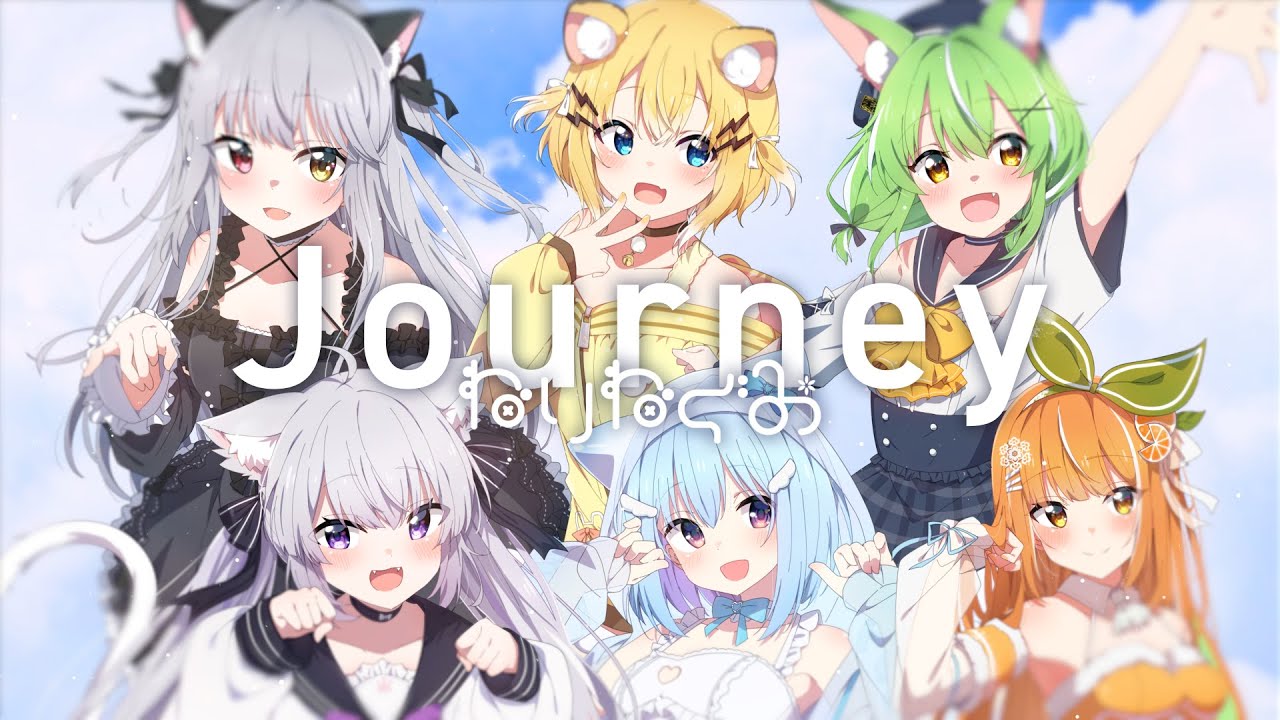
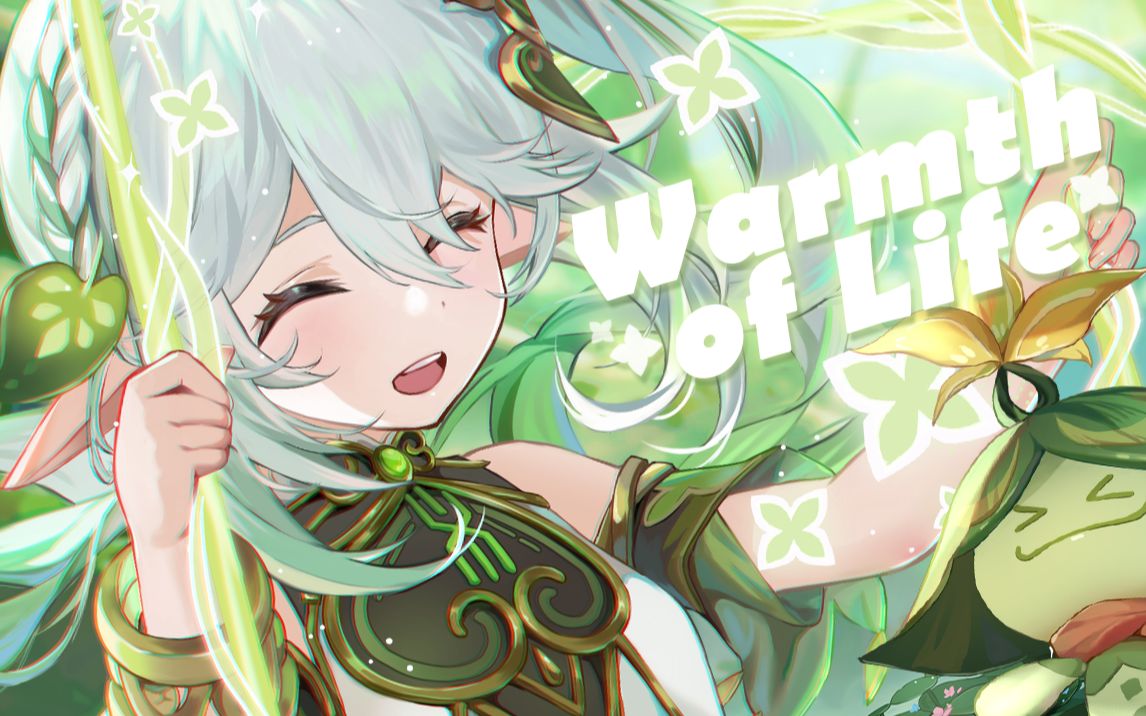
- 成果:每次刷新出来的都不一样,会根据设备随机加载横纵图片。
© 版权声明
文章版权归作者所有,未经允许请勿转载。
THE END







- 最新
- 最热
只看作者